Decks from the work you've already done.
Ask your agent. Edit by hand. Present it.
Coming soon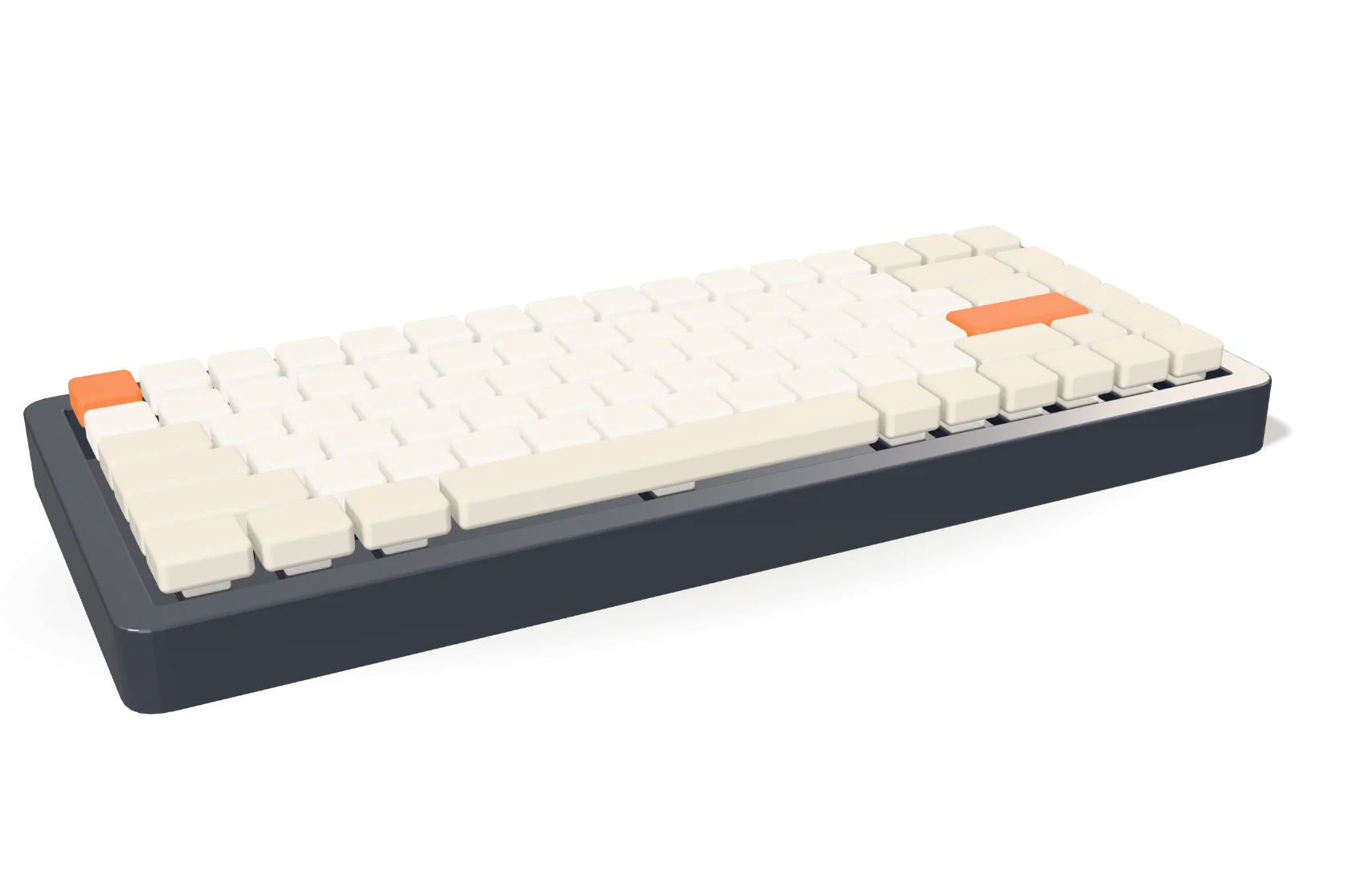
Works with Claude Code · macOS
- The app opens on a blank title slide. The deck is named Halden 75 Launch, the company’s Halden template is picked, and Create deck opens it.
- In Slides, the agent panel shows the project folder and its files: the spec sheet, beta testers’ notes, the launch plan, six product photos and the company's template. The prompt reads: Make the launch deck for the Halden 75 from this.
- The agent reads the files, looks at the photos and applies the template. Five slide thumbnails appear one by one.
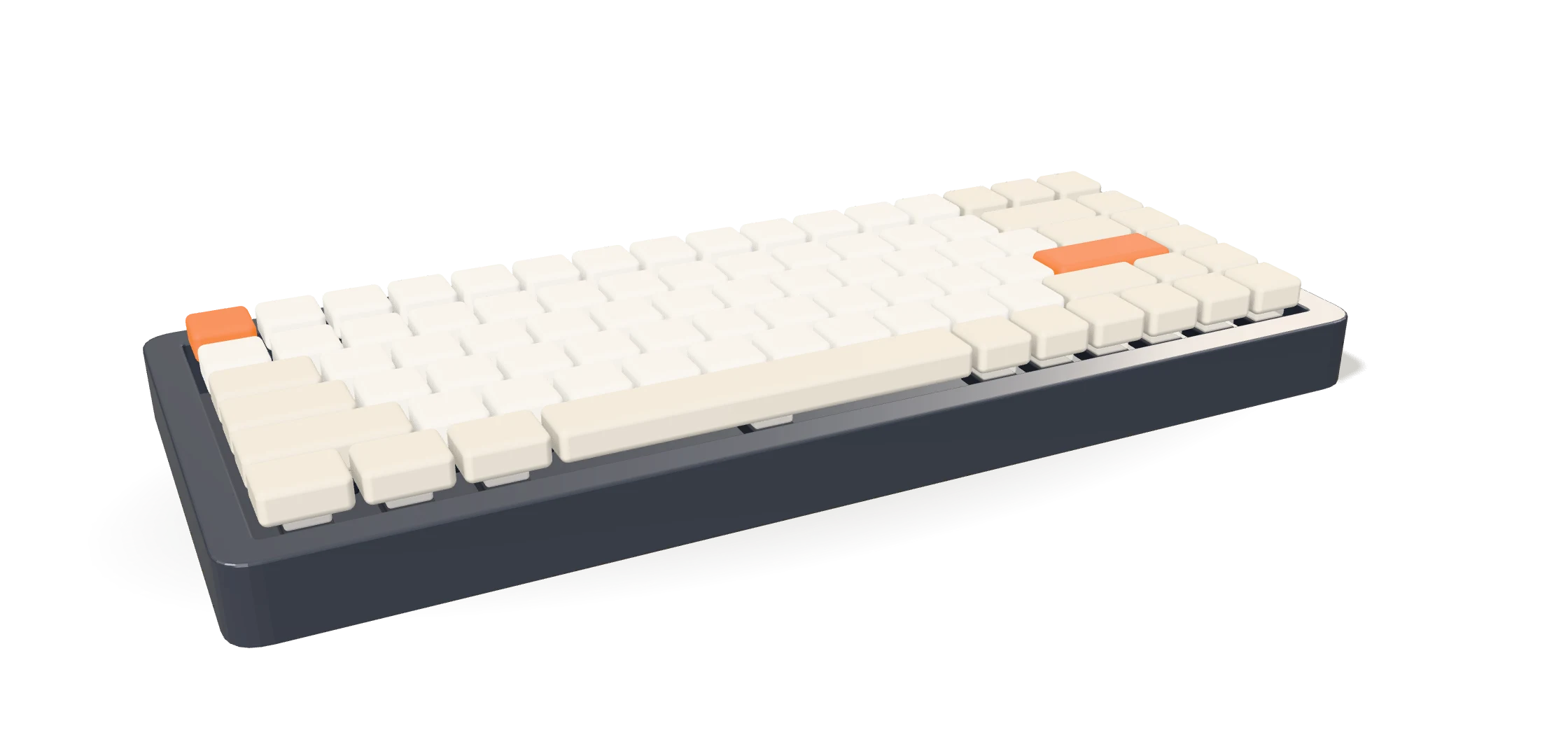
- The first slide is the title, Halden 75, with a 3D keyboard the agent animated. The agent checks frames of it; then Play shows it assemble: the case and plate settle and 84 keycaps drop into place in a wave.
- The person edits by hand: they retype the line under the name, then drag the price tag until guides show it lines up with the headline. The chat notes that the agent will see the edit.
- Clicking through the other slides: what beta testers said, battery life against other keyboards, a field of dots for the 12,400 people on the waitlist, and price and date, each building in.
- On the last slide, the person asks for three variations. Three redesigns are dealt side by side; they pick the launch timeline and it grows onto the stage, building in: the price rolls up, a twelve-week timeline draws with its milestones, and pre-orders by finish fill in.
- The person presents. The title slide fills the screen and the keyboard plays in chapters on each click: it assembles, then lifts apart into keycaps, switches, plate, circuit board and case, each labelled, then closes and turns as the launch date arrives.
- The five slides fan out. The headline and the Download button follow.
Try it
Don't take our word for it.
The best parts of Slides, working right here in the page. Pick one and click around.
A list of the agent's tools (MCP servers): Confluence, Miro, Google Drive, Linear and Figma. Switching tools on lets the agent read from them; the suggested prompt then builds slides from what it read.
A pre-orders slide for the Halden 75. Try 3 variations shows three redesigns of it side by side: a bold number on dark, the chart first, and a split layout. Pick one and press Use this to put it on the slide.
The Halden 75 launch slide. Click on the slide to pin up to three comments and pick what each says, then press Send: the agent updates exactly those spots.
A review deck for the Halden 75 with six slides. Preview it as Board, Engineering or Retailers: the slides hidden from that audience leave the list, slide 3 swaps to its alternate or shows a row only engineers see, and the speaker notes change.
- 1Halden 75
- 2Why now
- 3How it's made
- 4Launch plan
- 5Pricing
- 6Board ask
The Halden 75 launch slide with a 3D keyboard. Each click on the slide, or →, plays the next chapter: the keyboard assembles key by key, comes apart into labelled layers, then closes and turns as the launch date arrives.
Halden's launch plan, with three cards. Drag a card: guides appear when it lines up with the others and it snaps into place. Arrow keys move a focused card. The headline can be retyped.
Halden's retail kickoff deck and three of its templates. Picking one restyles every slide.
The Export dialog with three formats: PowerPoint, PDF and images. Pressing Export saves that file.
A copy for people who don't have Slides. The deck itself stays as it is.
And everything else a deck needs.
What you'd expect from a presentation app, and a few things you wouldn't.
Make it with the agent
- Works with Claude Code
- Slides update as it writes
- Hears what you changed
- Several chats per deck
- Attach any file
- Checks its own layout
Edit it by hand
- Move, resize, rotate, group
- Live charts with a data grid
- Code that steps through
- Mermaid diagrams
- Layouts with placeholders
- ⌘K for every command
- Undo a whole turn
Present it
- Presenter view and timer
- Speaker notes
- Rehearse your timing
- Transitions and Morph
- Motion that loops gently
- Present to one audience
Keep it, send it
- PDF with notes pages
- PNG images
- One file, conversation included
- Every change in git
- Works offline
- No keys in your decks
Yours, all the way down.
The agent you already have
Slides runs Claude Code on your computer, with your login and your tools. Nothing new to sign up for.
Files, not a cloud
A deck is a folder of HTML on your disk. Open it in any editor; every change is kept in git.
Private by default
Your decks stay on your computer until you send them. Keys and tokens never go into a deck.
Your next deck is already in your project.
Ask your agent. Edit by hand. Present it.